OCHO / 01ANDROID TIMER

See the timer.
Do the workout.

Ocho is an interval timer for EMOM, Tabata, AMRAP, and Custom Timer workouts. It uses a large clock and clear phase indicators.

Get it on Google PlayDownload the Ocho APK from GitHub
Android 8.0+No accountGPLv3
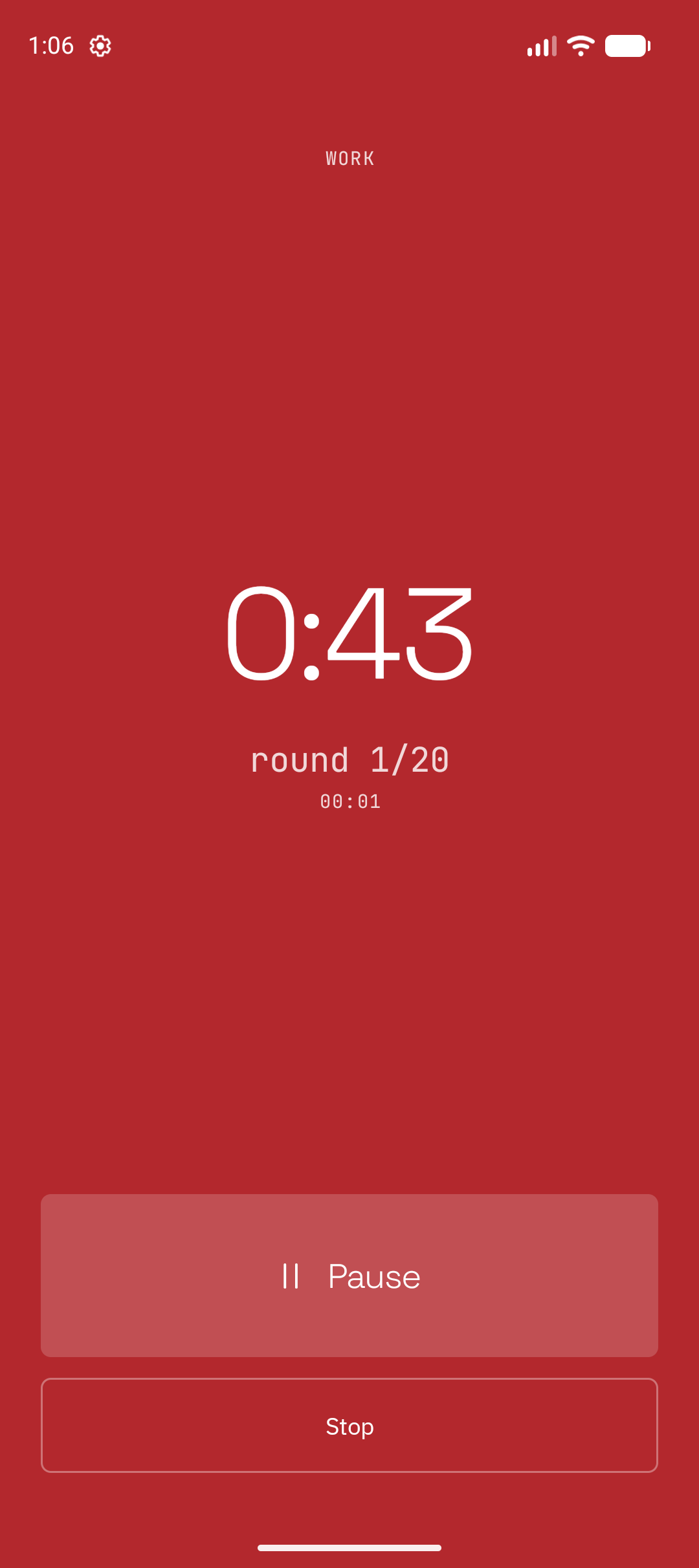
Ocho Tabata work screen that shows the current interval.
tabata45 s work / 15 s rest
PrepareWorkRestComplete

OCHO / 02THE SESSION

The screen shows the current phase.

Ocho uses the full screen to show the current phase. Sound and vibration can also indicate a phase change.

01Visual

A full-screen colour and a large clock show the current phase.

02Sound

A sound can indicate each phase change.

03Vibration

A vibration can indicate each phase change.
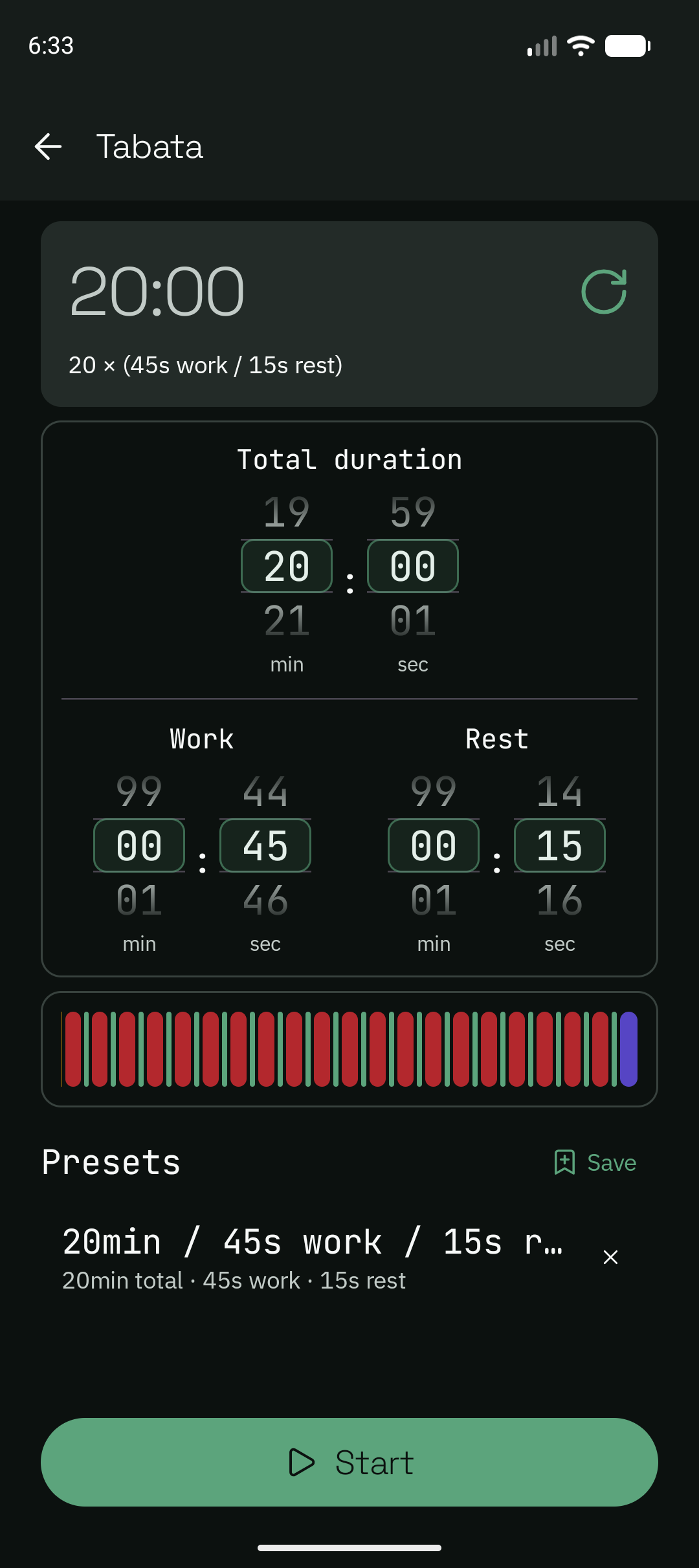
Ocho Tabata setup screen with duration controls and a saved preset row.
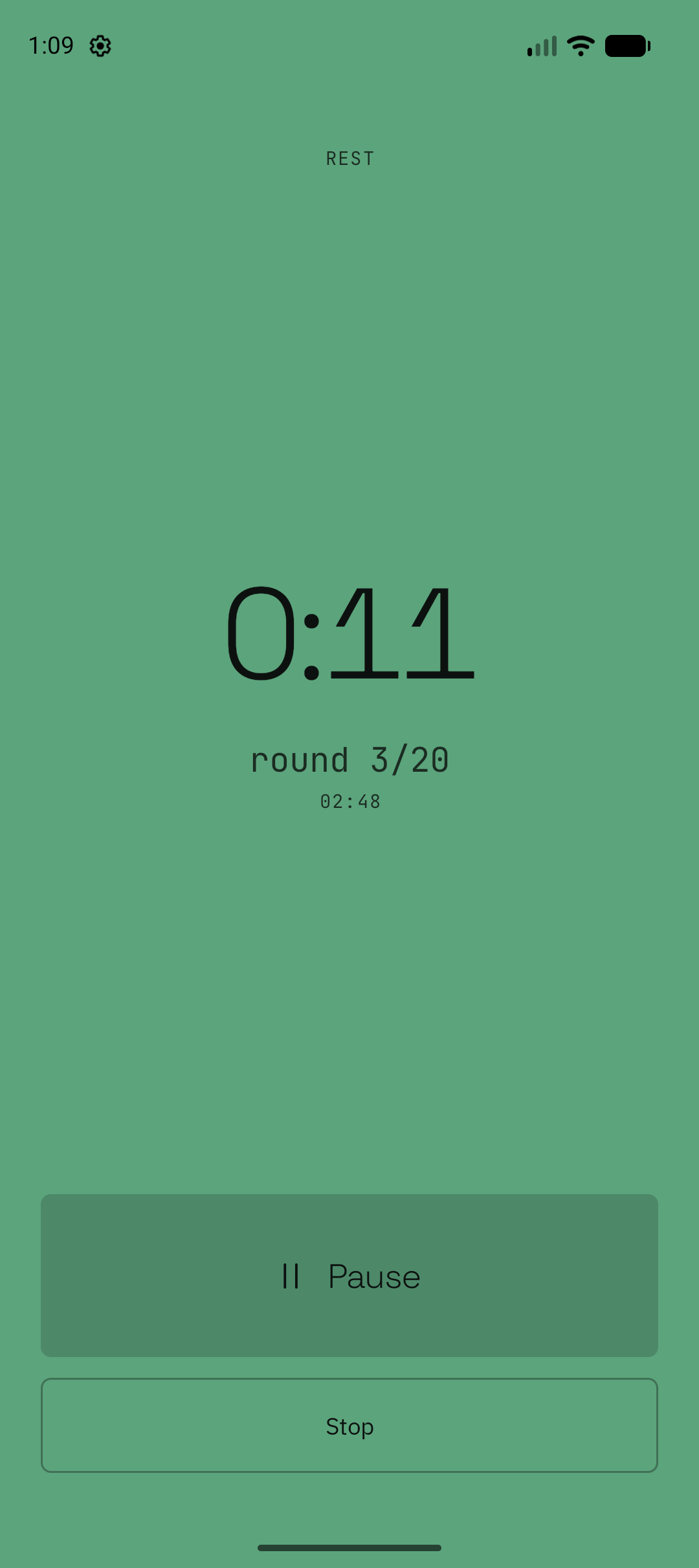
Ocho Tabata rest screen that shows the current rest interval.
SETUP / TABATAREST / RECOVERY

OCHO / 03WORKOUT MODES

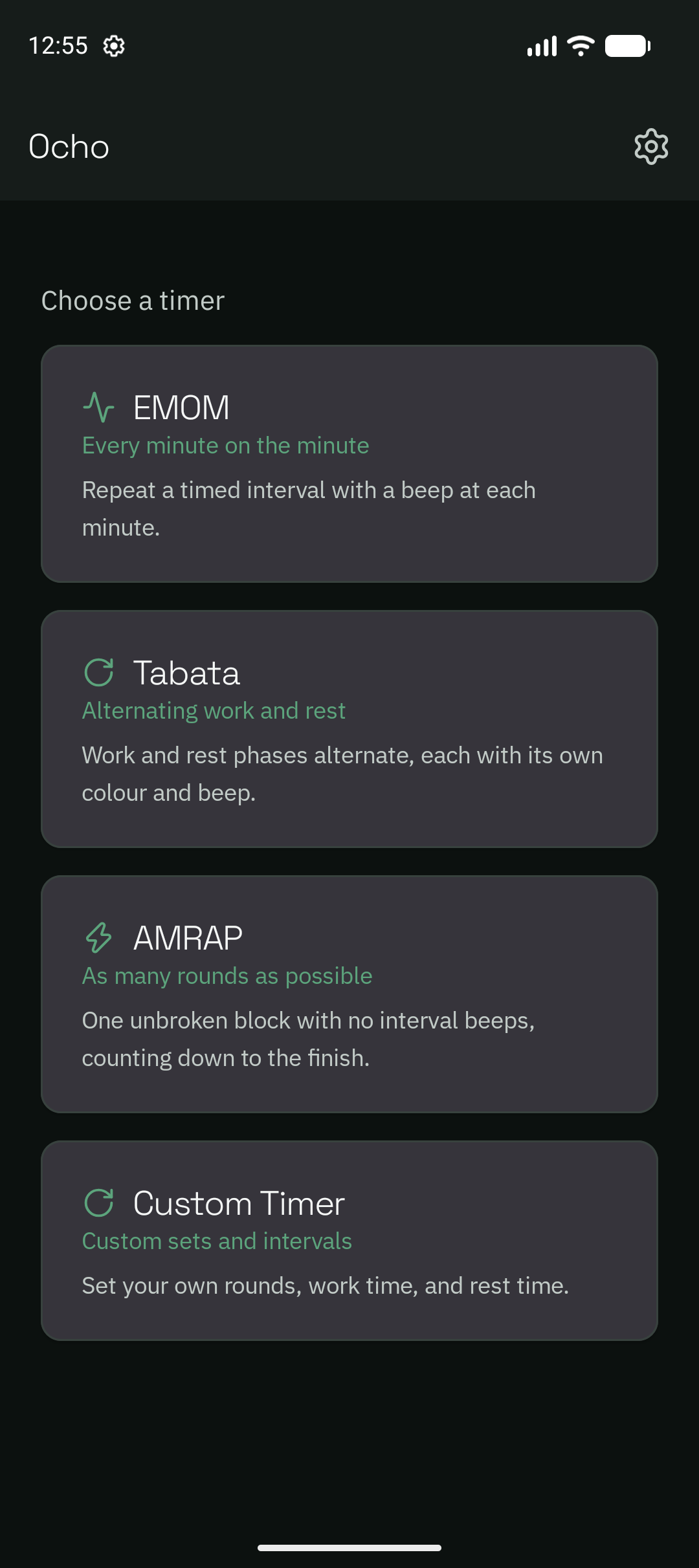
Select a timer mode.

Ocho includes four timer modes. You do not need an account or subscription to start a workout.
01

EMOM

Start a new interval at a fixed time interval.

continuous work / interval cue
03

AMRAP

Run one continuous timed block.

one block / no interval cues
04

Custom Timer

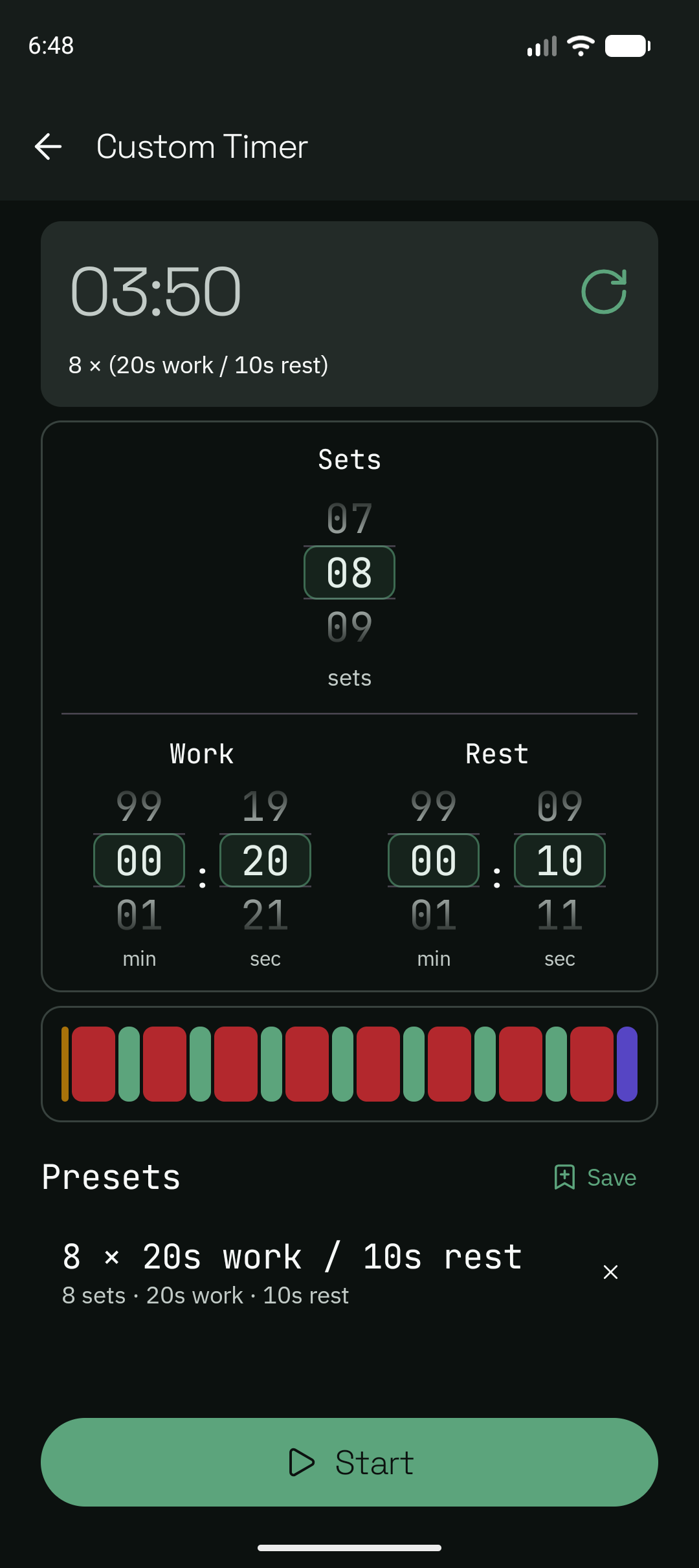
Set the number of sets and the work and rest durations.

work / rest / no final rest
04 / NEXTAdditional workout modes are planned for future versions.

OCHO / 04PRESETS

Save timer configurations.

Presets store timer configurations for later use. Each row shows the preset name and the important timing values for that mode.

01Compact rows

Each row shows the preset name and a timing summary.

02Mode-specific values

Each timer mode shows the values that apply to that mode.

03Preset names

Preset names can contain a maximum of 50 Unicode characters.
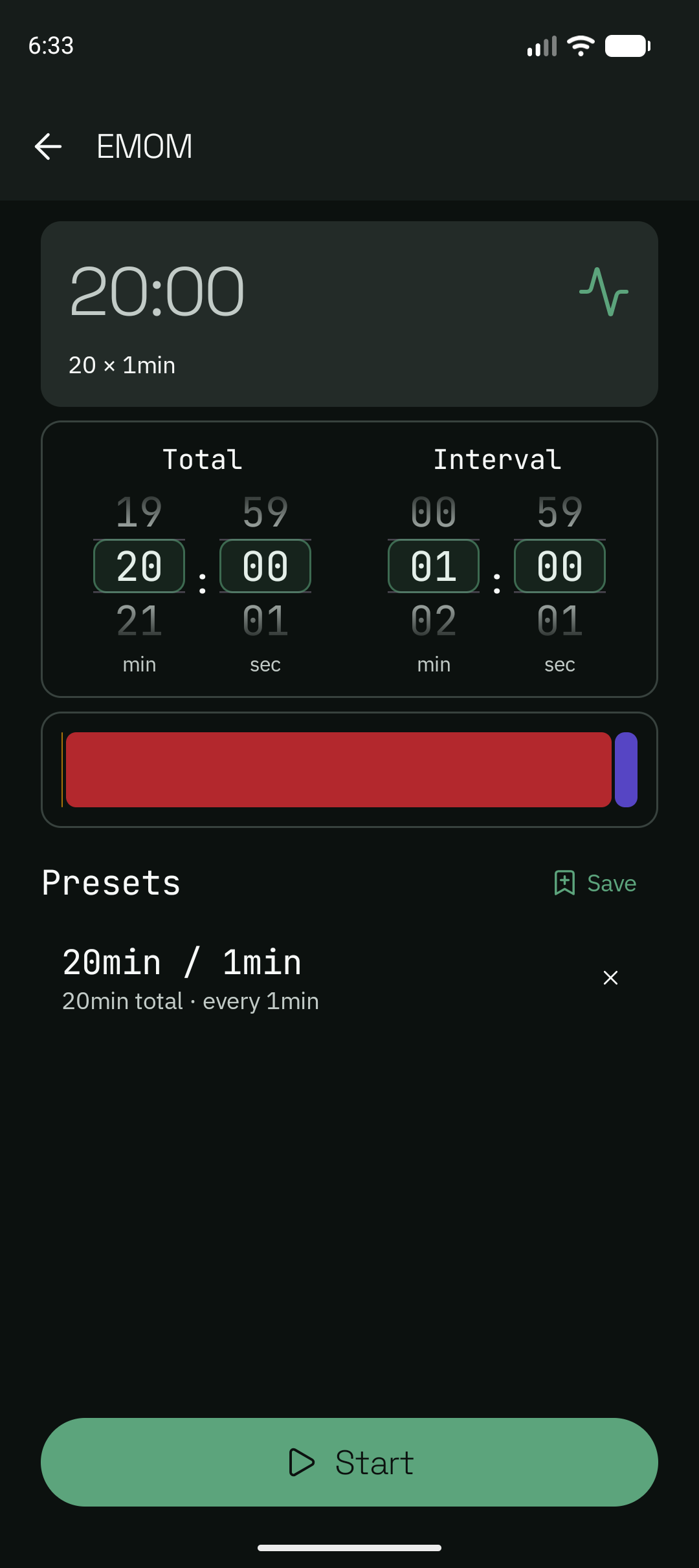
Ocho EMOM setup screen with a saved preset row and its timing summary.
EMOM / SAVED PRESETtiming summary is visible

OCHO / 05APP SCREENS

See each part of a workout.

These Pixel 9a screenshots show the app from mode selection to workout completion. EMOM uses continuous work. Tabata alternates between work and rest.
Ocho home screen with EMOM, Tabata, AMRAP, and Custom Timer modes.
01 / SELECTselect a mode
Ocho EMOM setup screen with a saved preset row.
02 / EMOM + PRESETSset the interval and save the preset
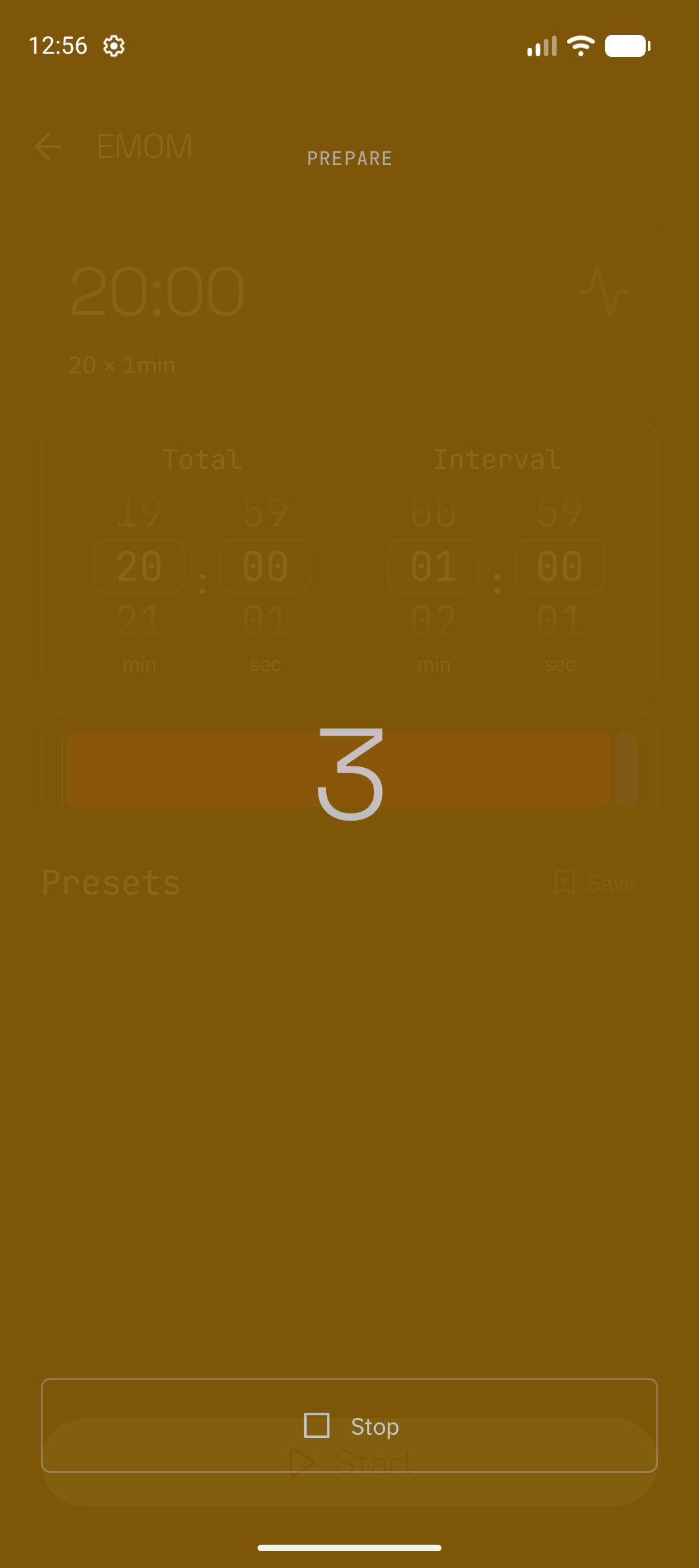
Ocho preparation countdown before the first interval.
03 / PREPAREprepare for the workout
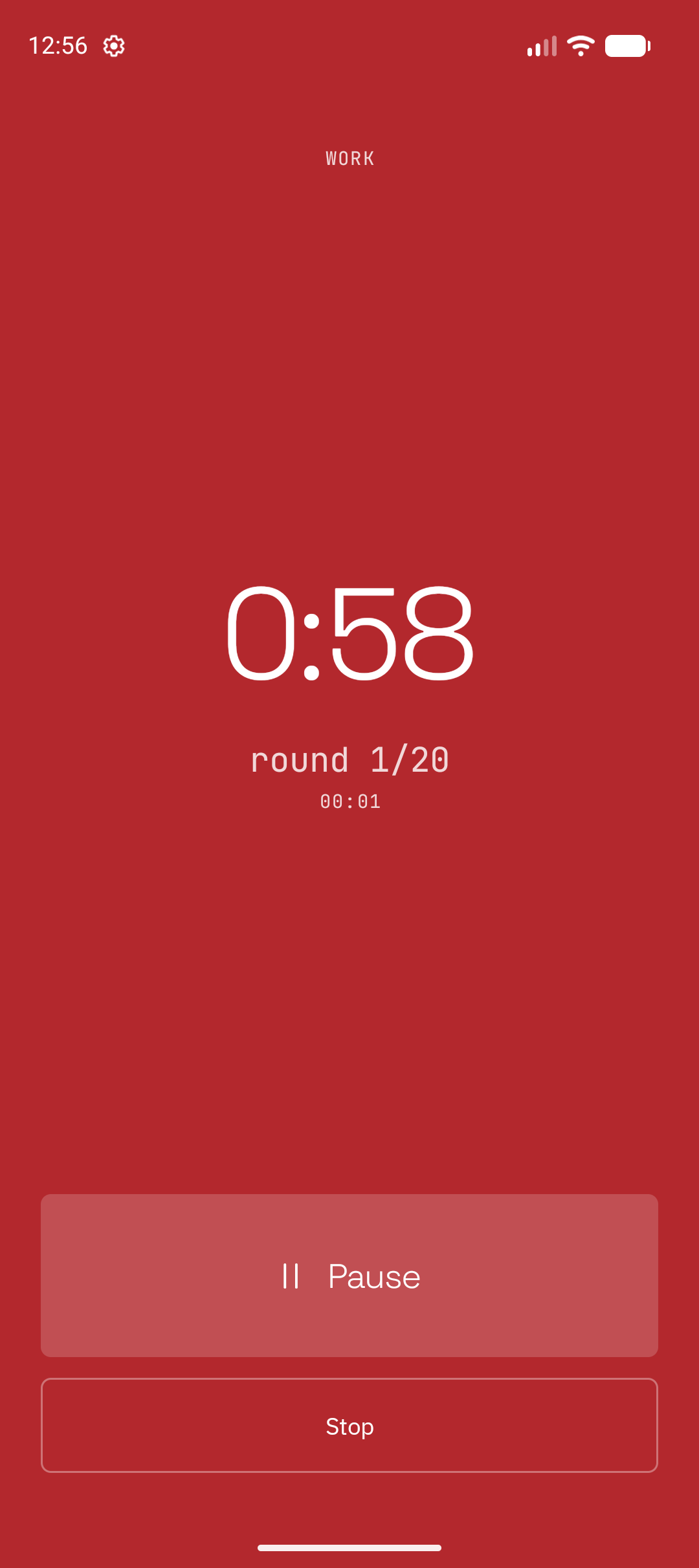
Ocho EMOM work screen that shows the current interval.
04 / EMOM WORKcomplete the current interval
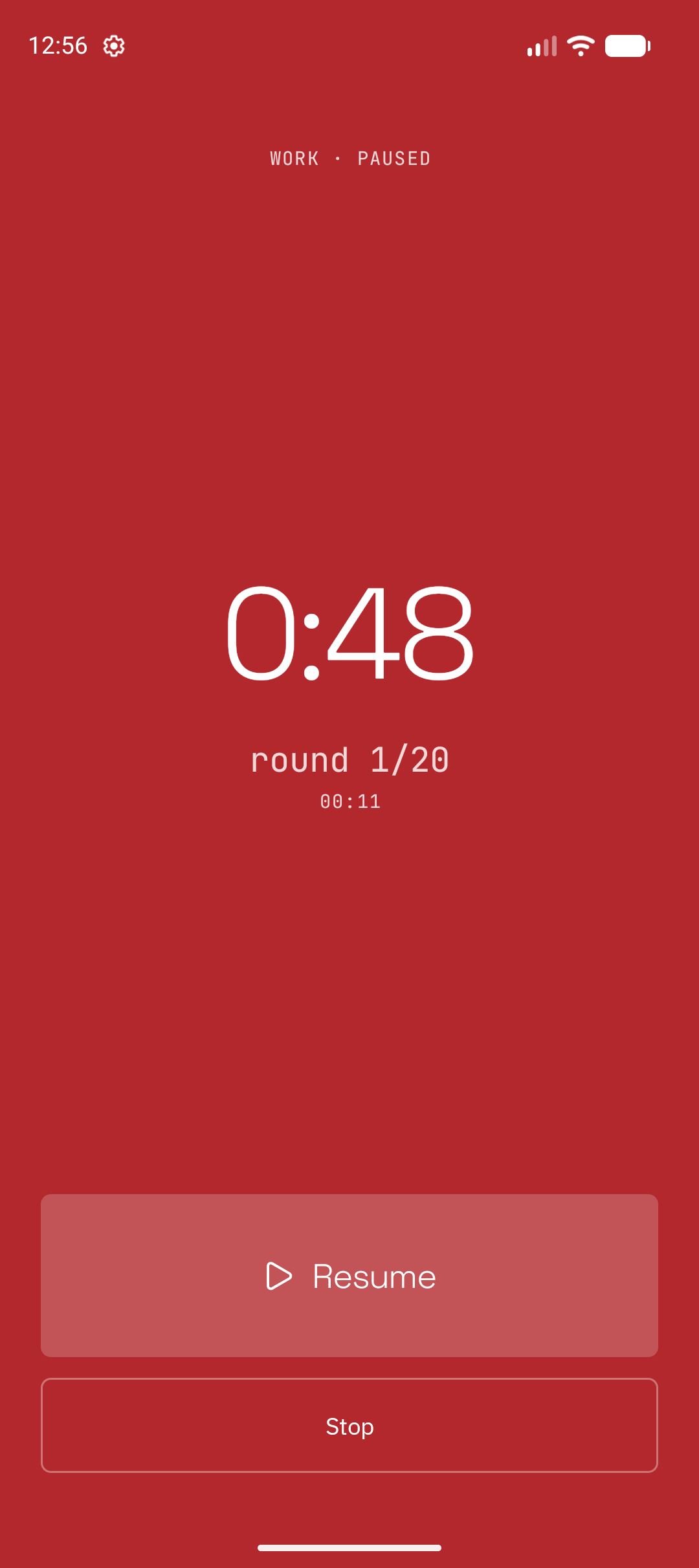
Ocho paused EMOM session with a resume control.
05 / PAUSEDresume the session
Ocho Tabata setup screen with work and rest values and a saved preset row.
06 / TABATA SETUPset the work and rest values
Ocho Tabata work screen that shows the current interval.
07 / TABATA WORKcomplete the work interval
Ocho Custom Timer setup screen with a saved preset row that shows sets, work time, and rest time.
08 / CUSTOM + PRESETSset the custom timer values
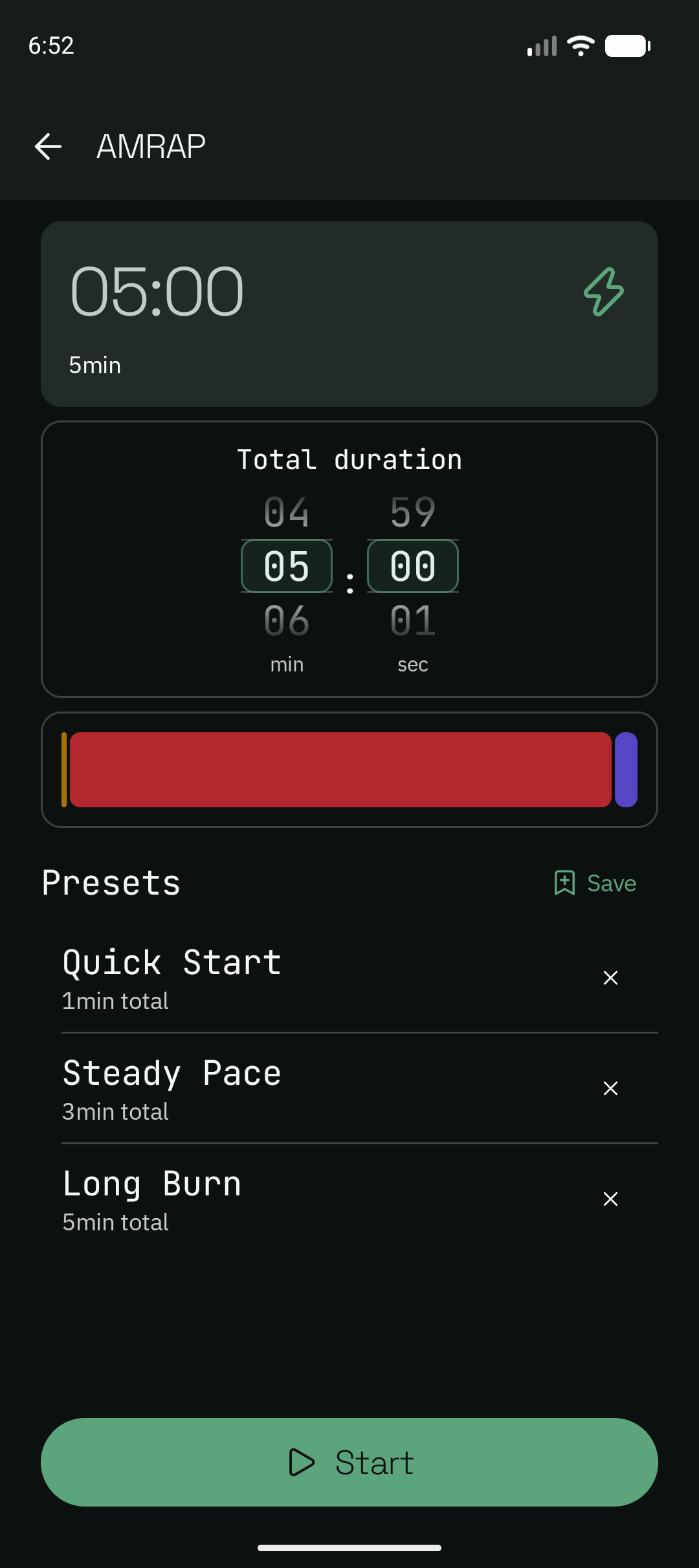
Ocho AMRAP setup screen with three saved presets named Quick Start, Steady Pace, and Long Burn.
09 / AMRAP + PRESETScompare total durations
Ocho Tabata rest screen that shows the current rest interval.
10 / TABATA RESTcomplete the rest interval
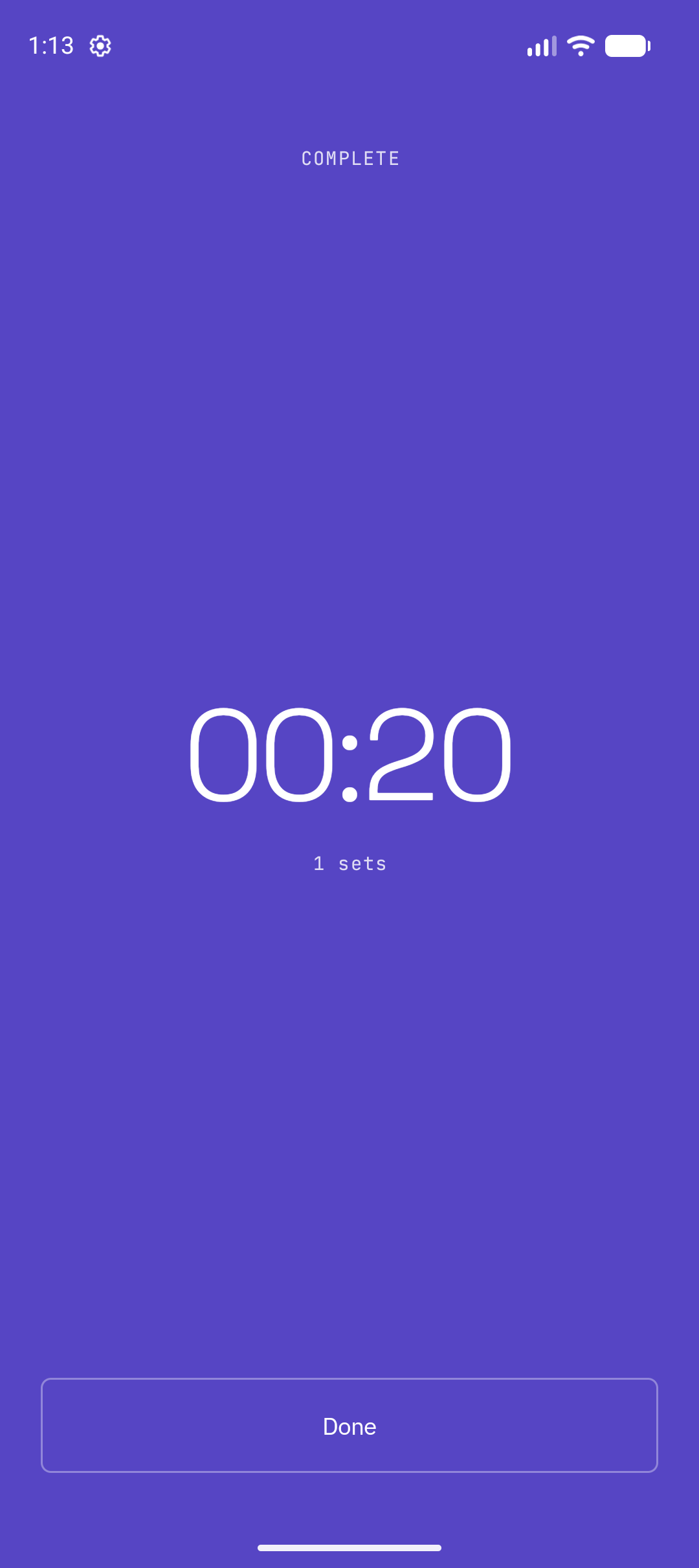
Ocho completion screen that shows the workout summary.
11 / COMPLETEview the workout summary

OCHO / 06DOWNLOAD

Install Ocho.

Ocho is available from Google Play and as an APK from GitHub. Both versions support Android 8.0 and later. Google Play manages updates for the Google Play version. The GitHub version includes the Ocho update function for GitHub Releases.

Get it on Google PlayDownload the Ocho APK from GitHub

Android can ask for permission to install the GitHub APK from an unknown source.